
Stöbern
genialokal zum Startbildschirm hinzufügen
Installieren Sie die genialokal App auf Ihrem Startbildschirm für einen schnellen Zugriff und eine komfortable Nutzung.
Installieren Sie die genialokal App auf Ihrem Startbildschirm für einen schnellen Zugriff und eine komfortable Nutzung.
Tippen Sie einfach auf Teilen:
 Und dann auf "Zum Home-Bildschirm [+]".

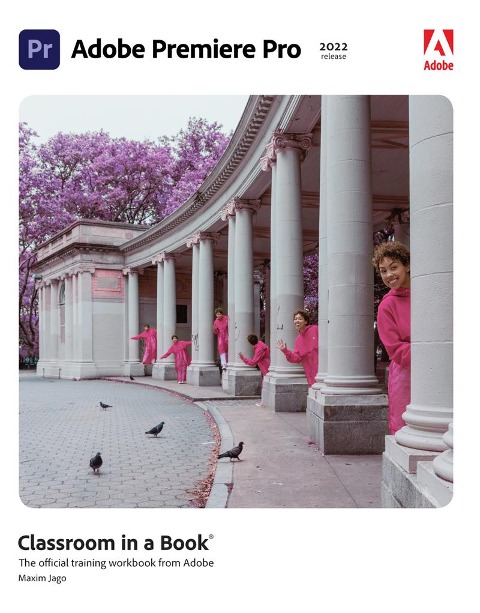
The fastest, easiest, most comprehensive way to learn Adobe Premiere Pro Classroom in a Book®, the best-selling series of hands-on software training workbooks, offers what no other book or training program does-an official training series from Adobe, developed with the support of Adobe product experts. Adobe Premiere Pro Classroom in a Book (2022 release) contains 17 lessons that cover the basics and beyond, providing countless tips and techniques to help you become more productive with the program. You can follow the book from start to finish or choose only those lessons that interest you. Purchase of this book includes valuable online features. Follow the instructions in the book's "Getting Started" section to unlock access to: - Downloadable lesson files you need to work through the projects in the book - Web Edition containing the complete text of the book that walk you through the lessons step by step What you need to use this book: Adobe Premiere Pro (2022 release) software, for either Windows or macOS. (Software not included.) Note: Classroom in a Book does not replace the documentation, support, updates, or any other benefits of being a registered owner of Adobe Premiere Pro software.
Maxim Jago is an Adobe Master Trainer, award-winning writer-director, consultant Futurist, and the author of several editions of Adobe Premiere Pro Classroom in a Book. He speaks at film festivals and media technology events around the world, and has trained all types of editors - from schoolchildren to university professors, from ABC's top editors in Australia to the BBC's tech gurus in the UK.
Getting Started 1 Touring Adobe Premiere Pro 2 Setting Up a Project 3 Importing Media 4 Organizing Media 5 Editing Video - The Essentials 6 Working with Clips and Markers 7 Adding Transitions 8 Editing Video - Advanced Techniques 9 Putting Clips in Motion 10 Editing and Mixing Audio 11 Improving Audio 12 Adding Visual Effects 13 Applying Color Correction and Grading 14 Exploring Compositing Techniques 15 Creating New Graphics 16 Exporting Frames, Clips, and Sequences Glossary 17 Managing Your Projects (Online)