
Stöbern
genialokal zum Startbildschirm hinzufügen
Installieren Sie die genialokal App auf Ihrem Startbildschirm für einen schnellen Zugriff und eine komfortable Nutzung.
Installieren Sie die genialokal App auf Ihrem Startbildschirm für einen schnellen Zugriff und eine komfortable Nutzung.
Tippen Sie einfach auf Teilen:
 Und dann auf "Zum Home-Bildschirm [+]".

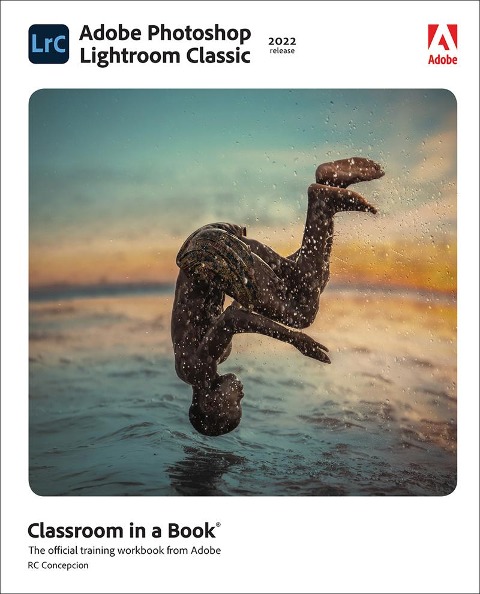
Manage your photography workflow using Adobe Photoshop Adobe Photoshop Lightroom Classic Classroom in a Book (2023 release) uses real-world, project-based learning to cover the basics and beyond, providing countless tips and techniques to help you become more productive with the program. For beginners and experienced users alike, you can follow the book from start to finish or choose only those lessons that interest you. Learn to: - Use proven methods to keep your photography archive organized and make hours of editing turn into minutes - Leverage tools in each module to reduce the amount of time you spend working on images - Take advantage of ground-breaking changes to AI-based masking to select skies, subjects, color ranges, and tones - Experiment with color grading tools to pull the best out of all of the elements in your imagesCreate stylish books and print layouts, dynamic slideshows, and interactive web galleries to showcase your images - Access collections and presets on your desktop, mobile device, or on the web Classroom in a Book®, the best-selling series of hands-on software training workbooks, offers what no other book or training program does-an official training series from Adobe, developed with the support of Adobe product experts. Purchasing this book includes valuable online extras. Follow the instructions in the book's "Getting Started" section to unlock access to: - Downloadable lesson files you need to work through the projects in the book - Web Edition containing the complete text of the book, interactive quizzes, and videos that walk you through the lessons step by step What you need to use this book: Adobe Photoshop Lightroom Classic (2023 release) software, for either Windows or macOS. (Software not included.) Note: Classroom in a Book does not replace the documentation, support, updates, or any other benefits of being a registered owner of Adobe Photoshop Lightroom Classic software.
Rafael "RC" Concepcion is an award-winning photographer, podcast host, and educator, and the author of seven best-selling books on photography, Photoshop, Lightroom, and HDR. He is a digital post-production specialist and adjunct professor at the S.I. Newhouse School for Visual Communications at Syracuse University. He is an Adobe Certified Instructor in Photoshop, Illustrator, and Lightroom, and worked with Adobe to write the Adobe Certified Expert exams for Photoshop CS6, Lightroom 4, and Lightroom 5. RC has more than 24 years of experience producing content in the creative, IT, and e-commerce industries. He has presented at seminars and workshops around the world. RC's production company, First Shot School, creates educational content and video productions for clients such as Intel, Dell, Epson, Nikon, Canon, Samsung, Nokia, Sandisk, Western Digital, G-Technology, Google, and Creative Live.
GETTING STARTED 1 A QUICK TOUR OF LIGHTROOM CLASSIC 2 BRINGING PHOTOS INTO LIGHTROOM CLASSIC 3 EXPLORING THE LIGHTROOM WORKSPACE 4 MANAGING YOUR PHOTO LIBRARY 5 DEVELOPING BASICS 6 ADVANCED EDITING 7 CREATING A PHOTO BOOK 8 CREATING A SLIDESHOW 9 PRINTING IMAGES 10 MAKING BACKUPS AND EXPORTING PHOTOS 11 AN OVERVIEW OF MY WORKFLOW BONUS LESSON PUBLISHING YOUR PHOTOS